> ## Documentation Index
> Fetch the complete documentation index at: https://docs.videngineer.com/llms.txt
> Use this file to discover all available pages before exploring further.
# Saving & organizing
> Use folders, collections, moodboards, share links, and trash to keep research usable.
Saving & organizing answers: **how do I keep research from becoming another folder of random links?**
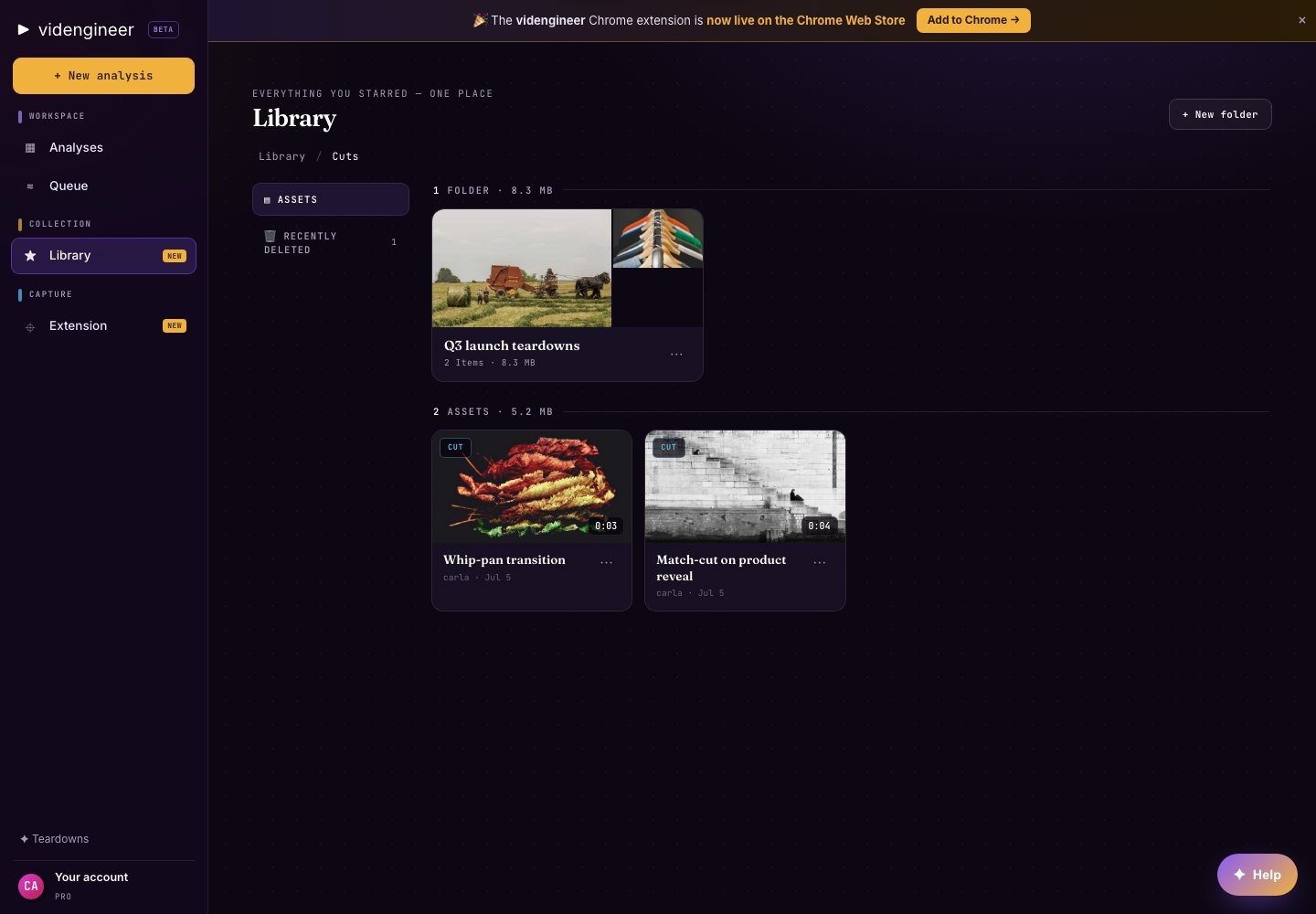
Library is file-based: assets live in an Assets tree, while collections and moodboards let you group the same saved materials by purpose.
 ## Folders
Use folders for durable storage:
* Raw extracted assets
* Cutouts and clean plates
* Downloaded clips or reference frames
* Campaign-specific exports
* Client or team research packs
Folders are best when you need a stable place for files.
## Collections
Use collections for curated research sets. A collection can hold saved analyses, frames, clips, cutouts, clean plates, and extracted assets around one question.
Examples:
* "Best founder hooks"
* "B2B product demo proof moments"
* "Cinematic launch references"
* "Client A Q3 concepts"
## Moodboards
Use moodboards when the visual relationship matters: palette, framing, texture, cast, environment, product shots, and motion references.
Moodboards are especially useful after generating transparent PNG cutouts or clean plates from [Cast & World](/layers/cast).
## Share links
Library supports public and team share links where available. Use public links for references that can be shared broadly. Use team-only links when the work belongs inside a Team workspace.
Do not share private client materials or restricted sources through public links. Use team-only sharing when the material is not meant for public viewing.
## Trash
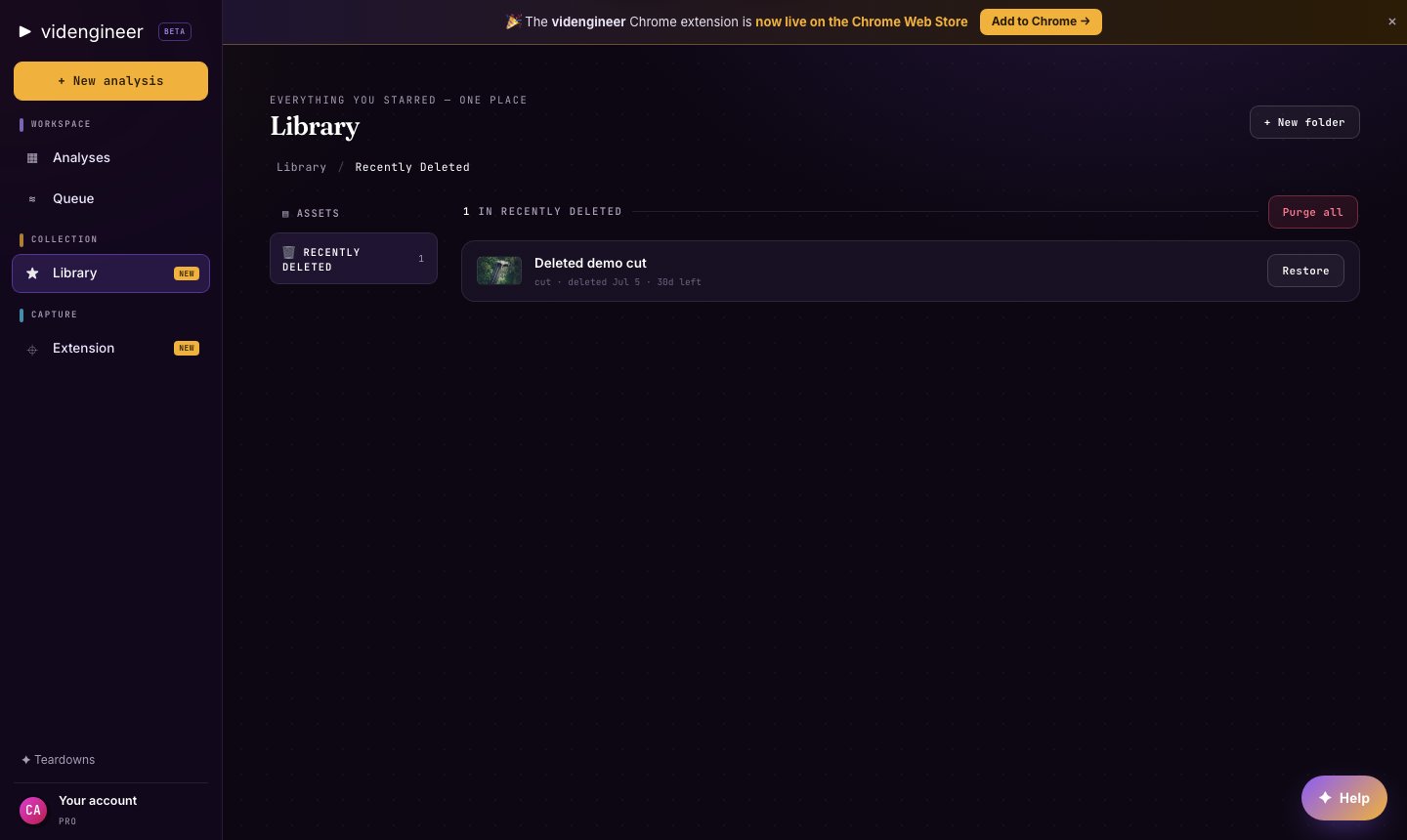
Deleted Library assets move through trash behavior when available, so you can recover from accidental cleanup before permanently removing items.
## Folders
Use folders for durable storage:
* Raw extracted assets
* Cutouts and clean plates
* Downloaded clips or reference frames
* Campaign-specific exports
* Client or team research packs
Folders are best when you need a stable place for files.
## Collections
Use collections for curated research sets. A collection can hold saved analyses, frames, clips, cutouts, clean plates, and extracted assets around one question.
Examples:
* "Best founder hooks"
* "B2B product demo proof moments"
* "Cinematic launch references"
* "Client A Q3 concepts"
## Moodboards
Use moodboards when the visual relationship matters: palette, framing, texture, cast, environment, product shots, and motion references.
Moodboards are especially useful after generating transparent PNG cutouts or clean plates from [Cast & World](/layers/cast).
## Share links
Library supports public and team share links where available. Use public links for references that can be shared broadly. Use team-only links when the work belongs inside a Team workspace.
Do not share private client materials or restricted sources through public links. Use team-only sharing when the material is not meant for public viewing.
## Trash
Deleted Library assets move through trash behavior when available, so you can recover from accidental cleanup before permanently removing items.