

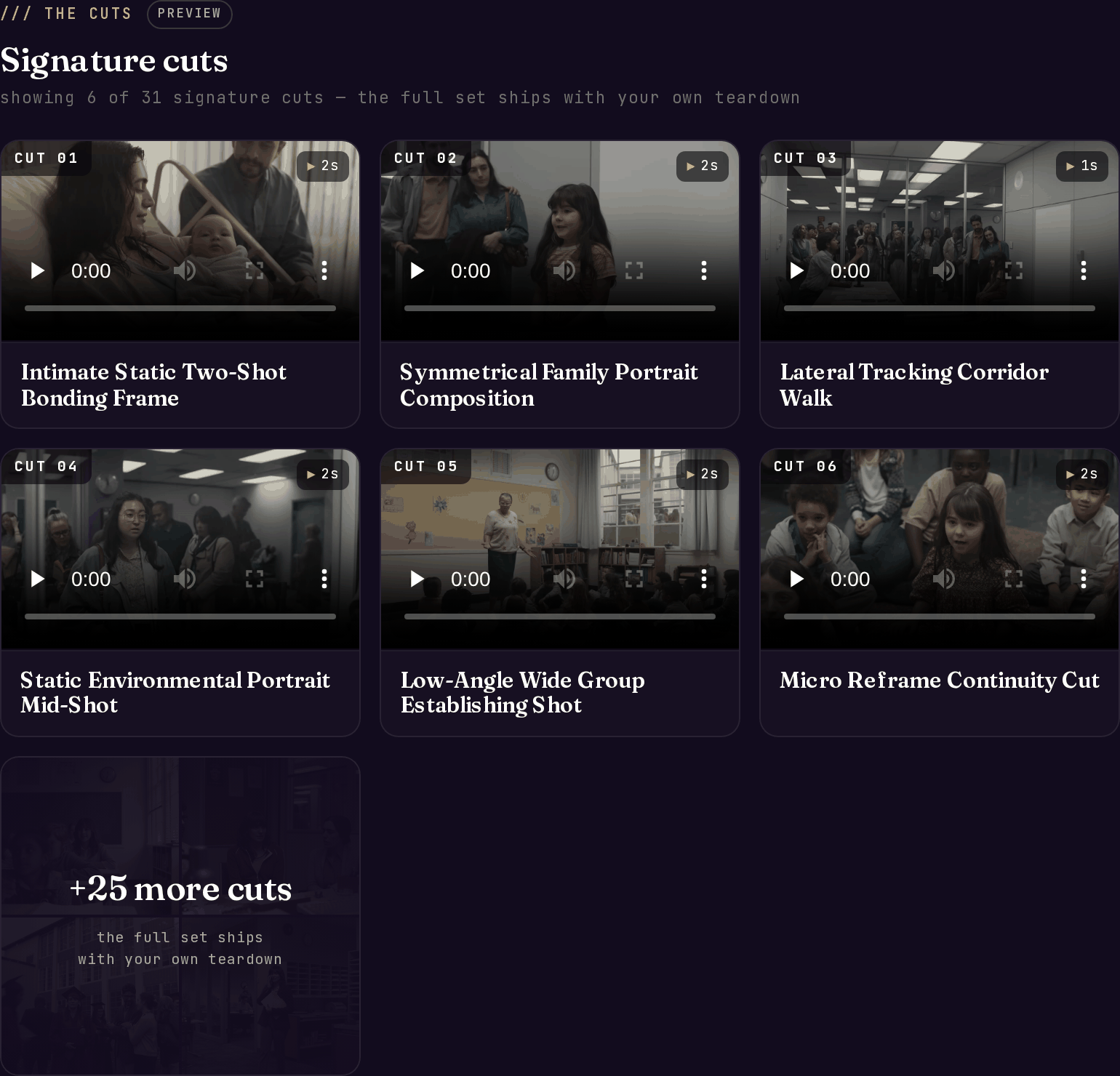
Signature cuts on a live teardown - each cut is a playable clip with a technique-focused title.
How cuts are detected
Two signals are blended:- Pixel-level scene scores from the footage catch hard cuts precisely.
- Per-frame subject changes from the Blueprint catch soft transitions that pixel-diffing can miss.
What each cut contains
Downloads and quality
The Cuts tab supports direct downloads for individual clips and grouped downloads where available. Source-quality pills and 4K badges help you understand whether a clip came from a high-quality source or a lower-quality pull. Power includes automatic 4K masters when the source supports them. Pro can unlock 4K via credits. See 4K & source quality.Cut Blueprint
When one shot is the piece you need to understand, open the cut and generate a Cut Blueprint. New blueprints use the amount shown on current pricing. Free accounts get one Cut Blueprint at no charge to try it; on a paid plan every blueprint, including the first, uses credits. The blueprint is stored on the teardown after it succeeds, so reopening it later is free. Cut Blueprint is for mechanism study: camera setup, staging, timing, transitions, lighting, and subject-swap guidance. Bring your own subject, footage, and brand.What to do with it
- Build your shot list from the cut titles. The technique names are topic-agnostic; your subject goes into those slots.
- Time your edit against the durations. If the reference holds establishing shots for 2 seconds and reaction shots for 1, those numbers transfer directly to your timeline.
- Watch the first and last frames of each cut. The cut from and cut to often explain the trick.
- Use clips as reference material. Study the technique, then make your own footage.
Related layers
The Blueprint
The aggregate stats these shots roll up into.
Recipe & Cut Blueprint
Per-cut direction and scene prompts for adapting each technique.
Sound layer
What the audio is doing during each of these shots.
Cast & World
The recurring people, places, and props these cuts are made of.