

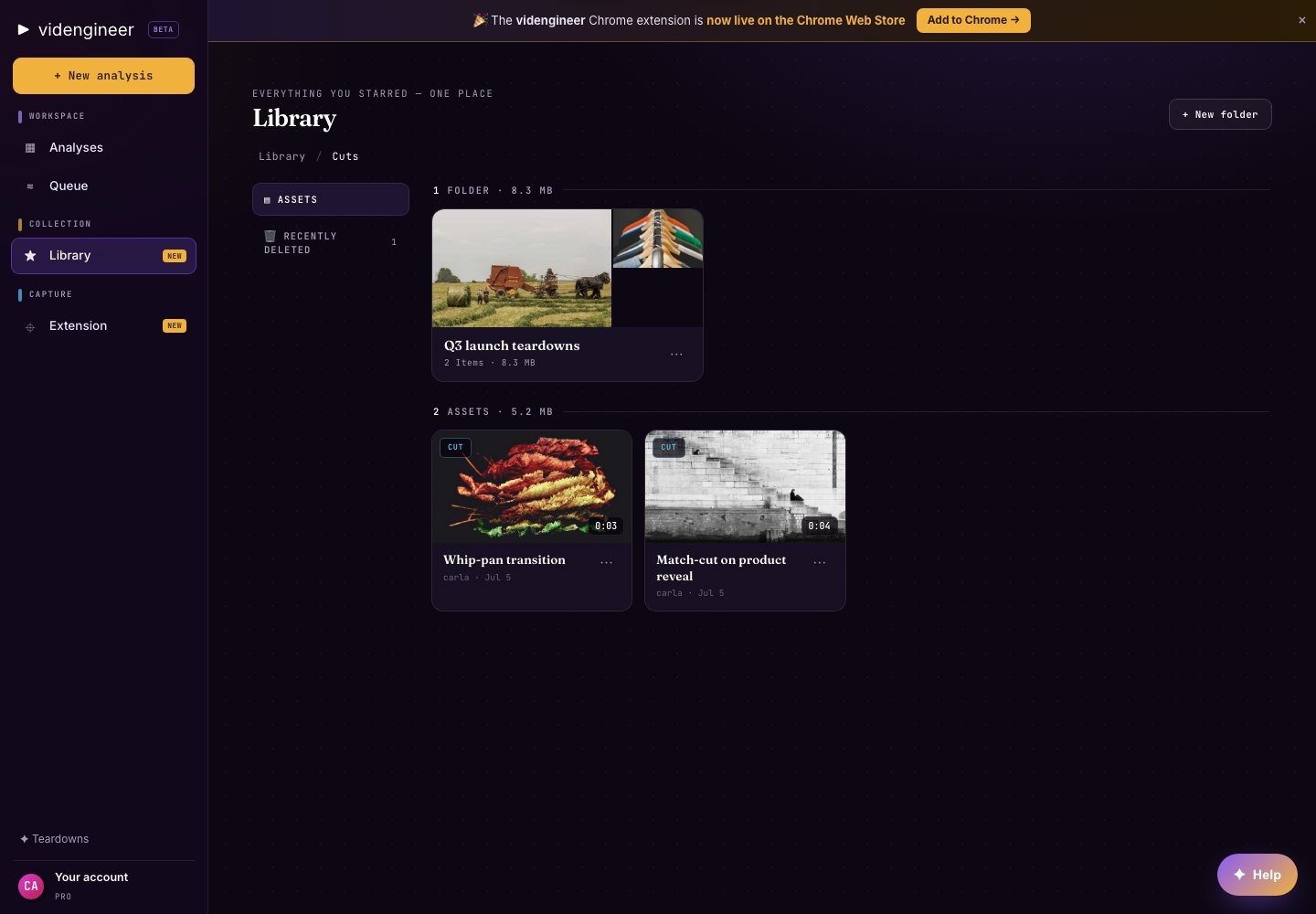
A Library folder with saved assets and media cards.
Folders — where a file lives
Saving means picking a Folder. A Folder is where you put something to come back to, and an asset is in exactly one Folder at a time. Moving it to another Folder moves it; it does not copy it. Use Folders for durable storage:- Raw extracted assets
- Cutouts and clean plates
- Downloaded clips or reference frames
- Campaign-specific exports
- Client or team research packs
Collections — filters that update themselves
A Collection is a validated saved filter over asset metadata. Membership is not a hand-built list: when an asset’s metadata matches the filter, it appears; when it no longer matches, it leaves. Collections are not projects, boards, or manual sets. You cannot add or remove individual assets from a Collection the way you would from a checklist. Change the filter, or change the asset’s metadata (for example tags, title, or brand), and the Collection updates. Useful filter examples:- Kind or type (analysis, clip, frame, cutout, clean plate)
- Brand or source
- Saved by (who added it)
- Date added
- Title or metadata text
- Tags
- “Best founder hooks”
- “B2B product demo proof moments”
- “Cinematic launch references”
- “Client A Q3 concepts”
If you had older saved groups
Existing manual groups went through a one-way upgrade into automatic Collection rules while preserving visible membership. Boards with saved layouts stayed in Canvas. Only automatic Collection behavior remains, with no “add to Collection” membership flow.Canvas — compose after you organize
Canvas is a separate downstream composition board. Organize and find assets in Library with Folders and Collections, then open Canvas independently when you want to arrange references on a board. A Collection never routes into Canvas. Canvas may pull in assets you already found in Library; it does not replace Folders or Collections.Share links
Library supports public and team share links where available. Use public links for references that can be shared broadly. Use team-only links when the work belongs inside a Team workspace.Trash
Deleted Library assets move through trash behavior when available, so you can recover from accidental cleanup before permanently removing items.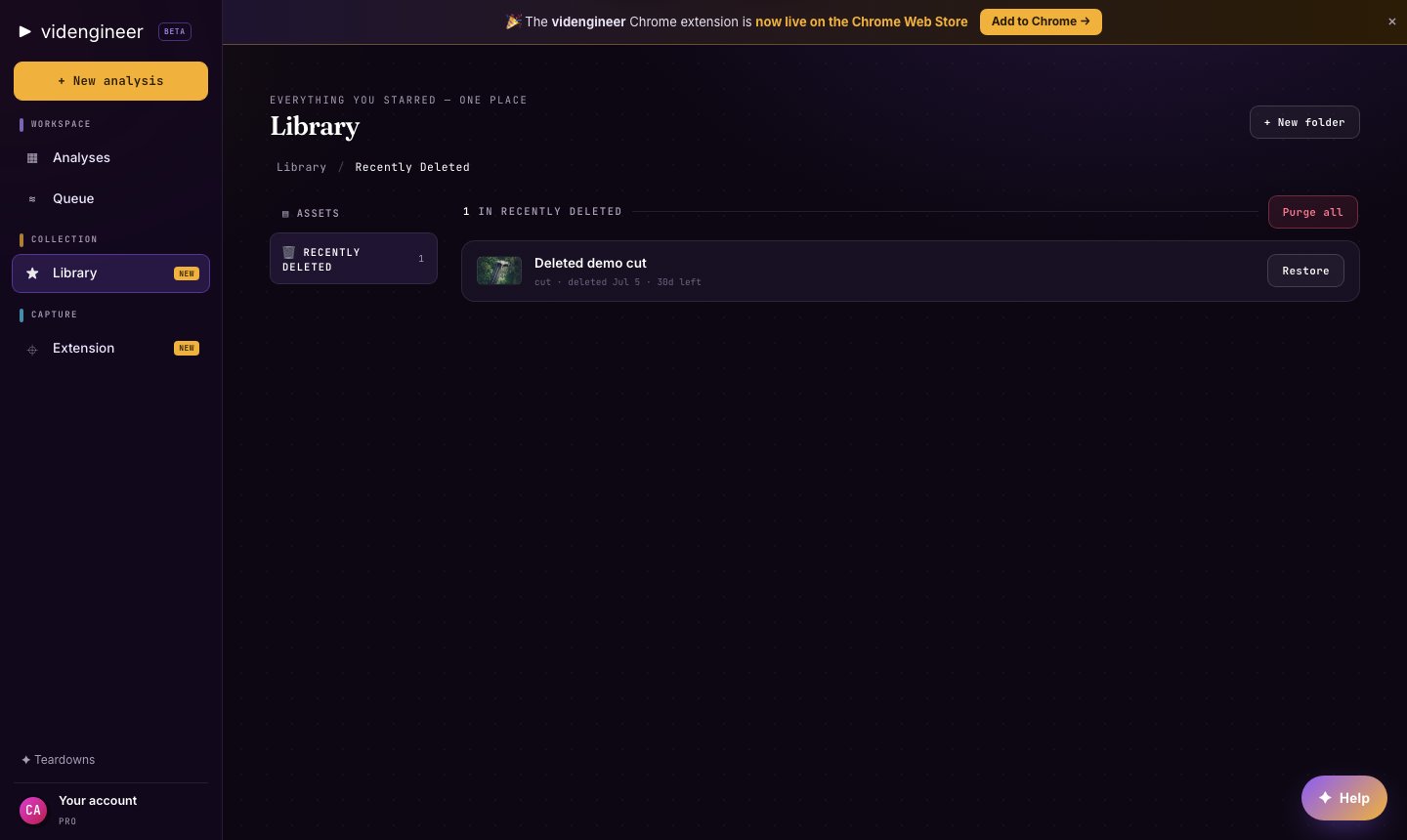
Library trash view for reviewing deleted assets.