

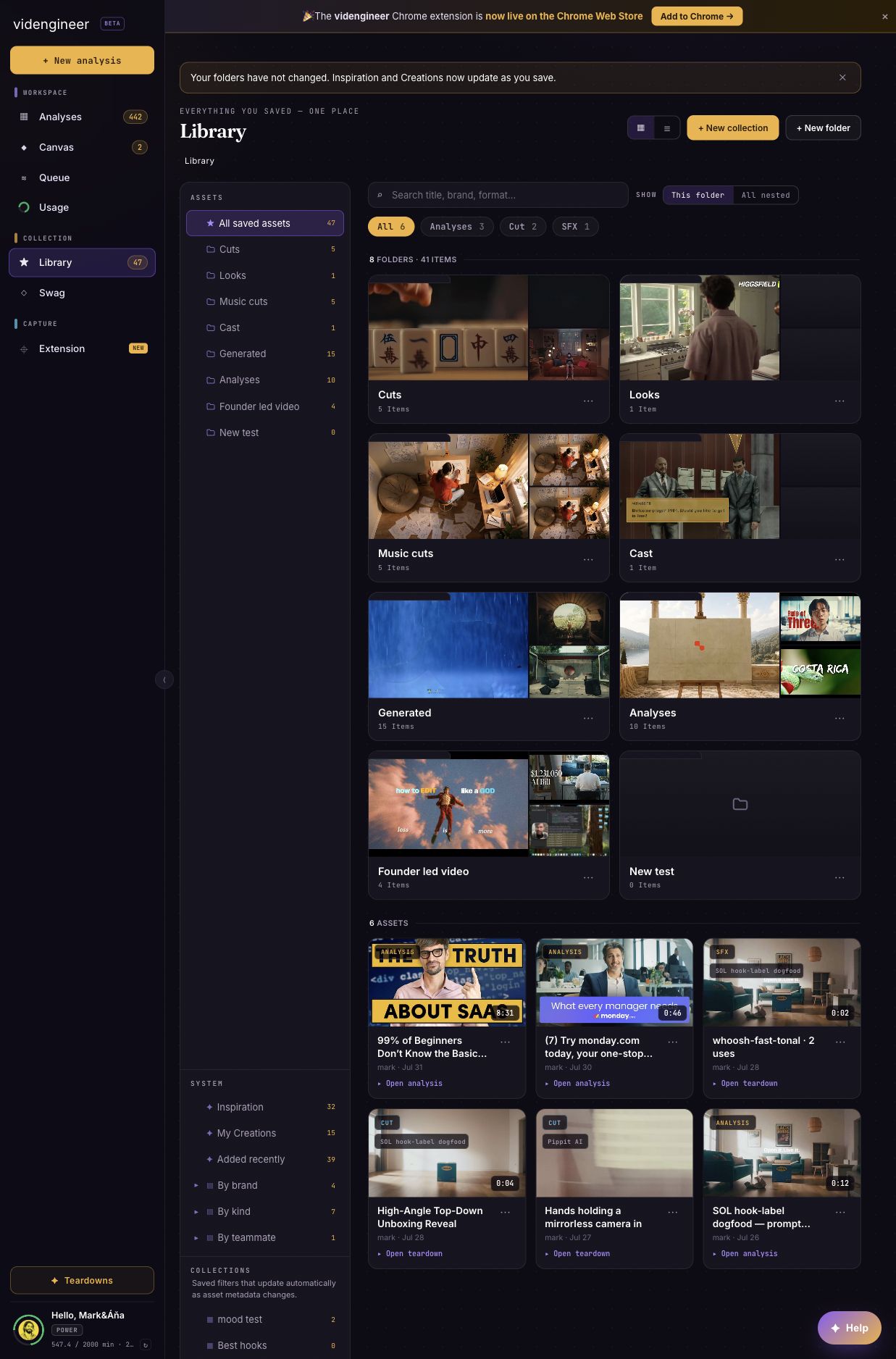
Library root: 47 saved assets, manual Folders in the rail, automatic Collections below, System views, and real asset cards in the main grid.
Star a whole analysis
Star the analysis when the whole report is worth returning to: a strong launch reference, a category benchmark, a useful competitor teardown, or one of your own winners. Starred analyses help you build a playbook over time. They preserve the report context, not just one frame or clip.Star media
Star media when one part is the useful reference:- A cut from The Cuts
- A hook frame
- A product-screen moment
- A cast/object cutout
- A world clean plate
- A Sound Kit item
- An extracted asset
Organize later
After starring, use the three Library surfaces deliberately:- Folders — the manual one-location hierarchy. Move a file into a Folder when it needs a stable place to live. An asset is in one Folder at a time (or Library root).
- Collections — predicate-backed automatic views, not save targets. You cannot drop items into a Collection; filters match kind, brand, saved-by identity, date added, title, metadata, or existing tags on the asset.
- Canvas — a separate composition surface. Open it on its own when you want to arrange references on a board. Collections do not route into Canvas.
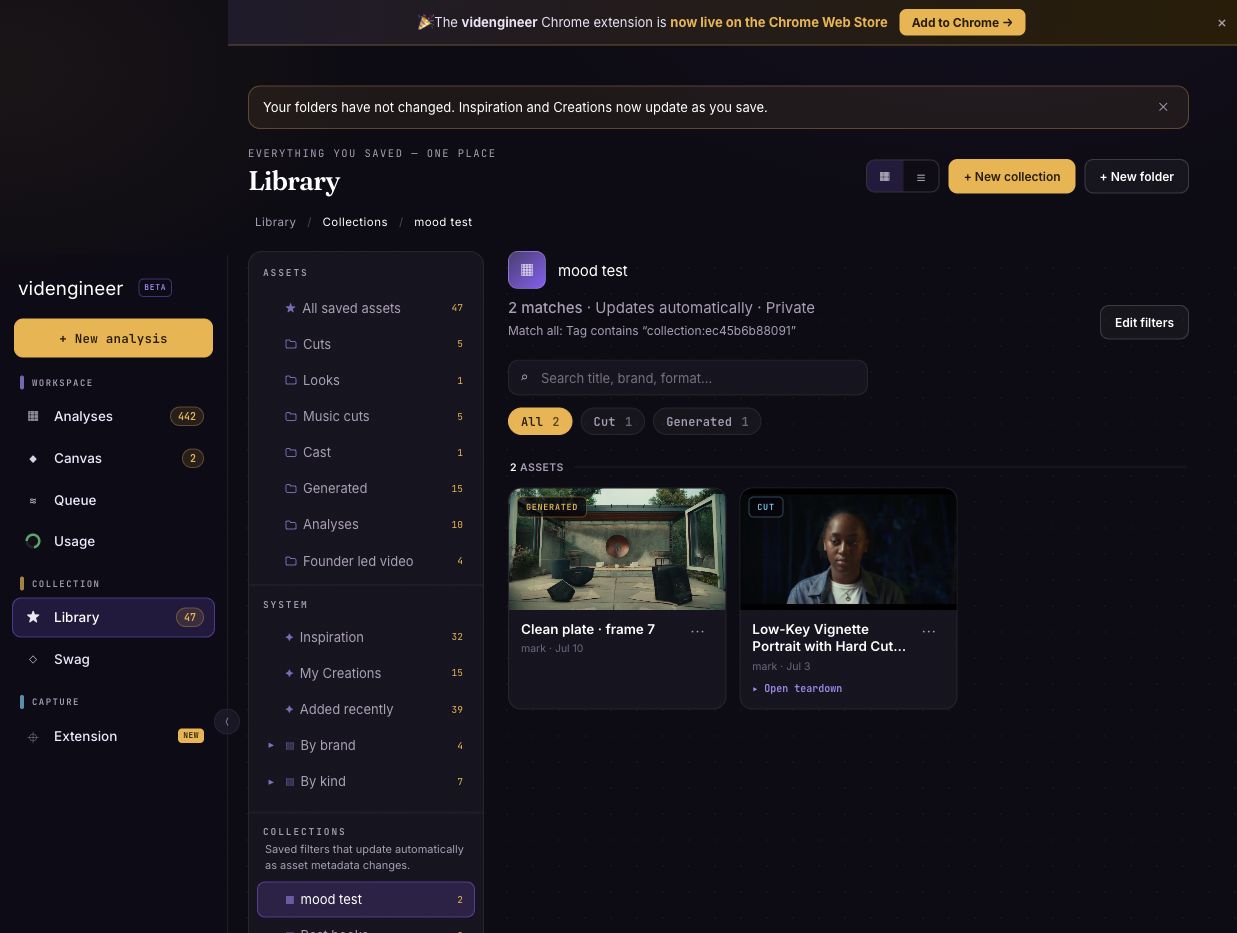
mood test Collection: 2 matches, Updates automatically, Private visibility, and a saved Tag contains predicate.
Tags in the current release
The New collection and Edit filters screens can use Tag as a Collection rule and preview the assets that already match it. Entering a tag in a Collection rule only filters the view; it does not add that tag to an asset.The current Library asset menu does not include a tag creator or tag editor. Authenticated Library API clients can provide a
tags list when creating an asset with POST /api/library/asset, or replace an asset’s tags with PATCH /api/library/asset. The Library UI can then use those stored tags in automatic Collection rules.